
Tutorial: Polly (Multi-AI Coding)
Polly is a multi-agent coding orchestrator. You give it a task; Polly splits it into sub-tasks and uses intelligent routing to pick the right agent for each task (Claude Code, Codex, Cursor, and others). Then a different agent reviews the results: if Claude Code writes the code, Codex checks it. Each sub-agent gets a clean slate with no prior conversation history, so it stays focused.
Time: 5 minutes. Everything runs locally.
1. Start Polly
-
Launch Polly. Either command starts Polly in your terminal and opens a web UI at
http://localhost:6767.omni polly # explicit omni # same, when a Claude credential is configured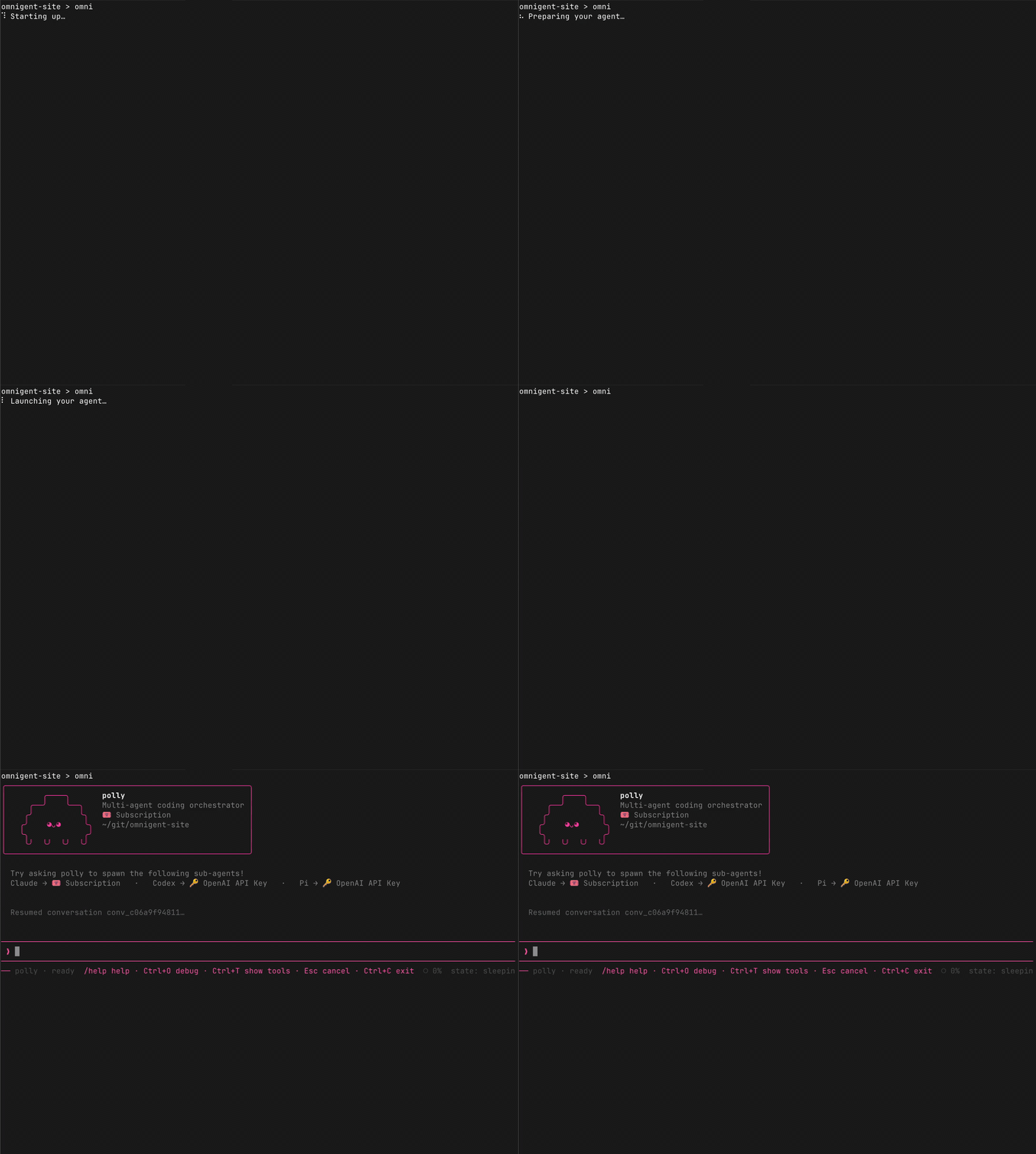
Start Polly with
omni polly, or justomni. -
Give Polly a task, for example:
Refactor the authentication module into separate files for OAuth, JWT, and session handling. Add tests for each.Polly breaks this into sub-tasks and delegates each one to a different AI agent. Claude Code implements one piece, Codex implements another in parallel, and a different agent reviews each PR.
2. Watch the agents work
Claude Code and Codex work on different parts of the task at the same time.
Open http://localhost:6767 or launch the desktop app
and connect to the same address.
Click the Agents tab to see every sub-agent Polly dispatches, with live status (working, idle, finished).
- Click any sub-agent to switch to its view and see its conversation, files, and terminal output.
- Intervene at any point: send a message to a sub-agent, or switch back to Polly to see the orchestrator's view.
- Switch to the Shells tab to see all running shells side by side.
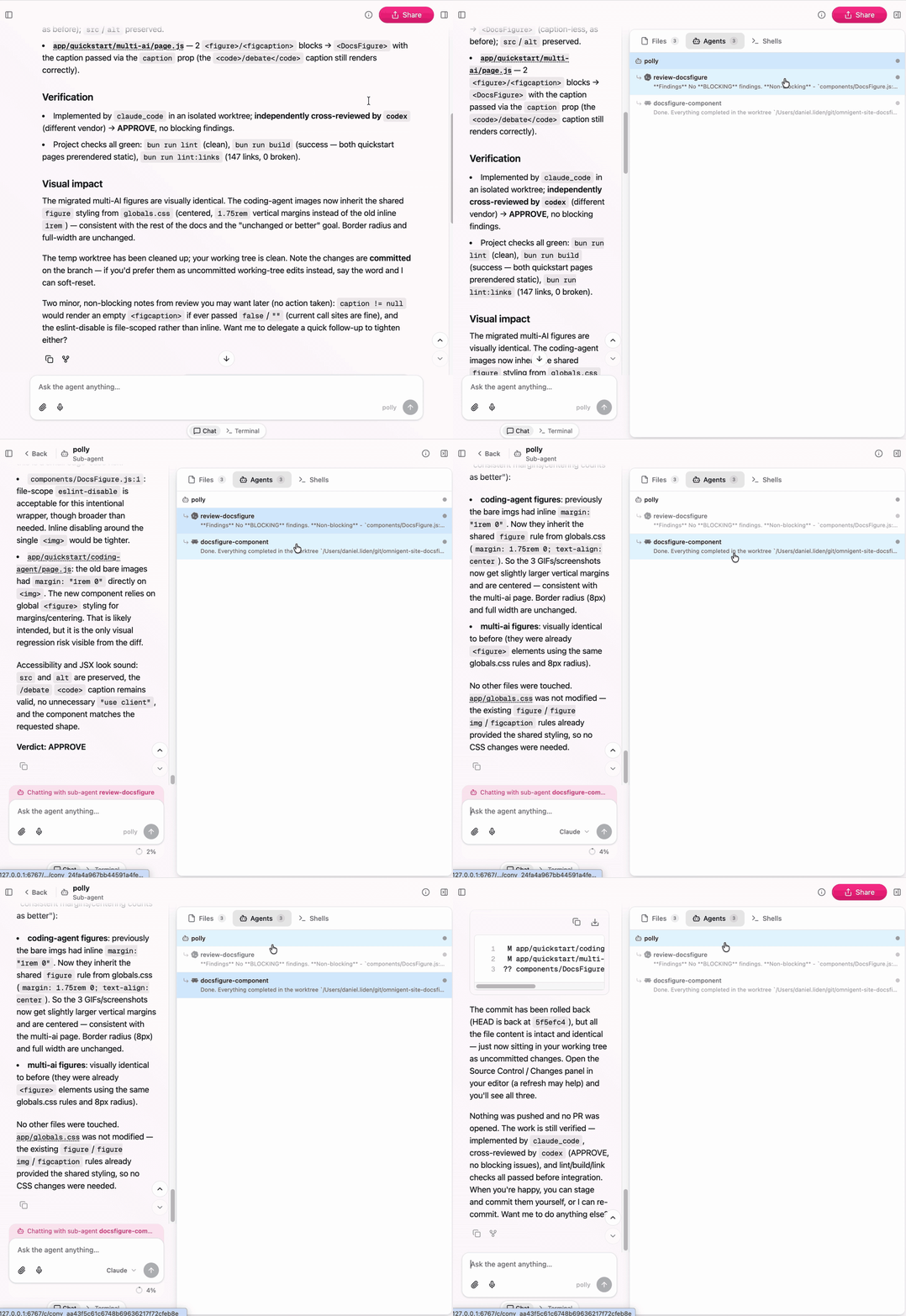
The Agents panel shows Polly and its sub-agents, so you can inspect or steer each delegated worker directly.
3. Turn on Smart Routing
Smart Routing picks the best model for each sub-task based on complexity: a short, well-scoped task goes to a faster model; an ambiguous or cross-cutting refactor goes to a stronger one. Polly applies this per sub-agent spawn, so each worker gets the model suited to its slice of the work.
To enable it, click the Smart Routing toggle in the chat composer. A chip appears below each routed message showing which model was picked and why.
Smart Routing requires a Databricks AI Gateway connection. If you're running entirely locally, the router is unavailable and Polly falls back to the default model.
4. Use Polly's built-in skills
Type any of these into the Polly chat to go further:
/fanout: run independent tasks in parallel. Each gets its own sub-agent and git worktree, and opens its own PR./cross-review: send an implementer's diff to a different-vendor reviewer. Blocking issues loop back as fixes until clean./investigate: delegate read-only work (debugging, audits, code understanding) to sub-agents and get a synthesized report.
See the Polly reference for full details.
What's next
- Collaborate from anywhere to deploy a server and share sessions with teammates.
- Build a custom agent with your own multi-agent orchestration in YAML.